How to Automate Your Post-Event Content With AI
Conference AI now supports custom topic tagging and AI-generated tags across all session content.
Post-event content AI automates the production work that follows every conference — turning session recordings into blog posts, video clips, social campaigns, sponsor reports, and executive summaries without contractors or manual editing. The fastest approach is to connect your recordings to an AI-native platform like Conference AI and tell it what to build. Here's the step-by-step process.
Why Does Post-Event Content Take So Long?
A typical 40-session conference produces 60+ hours of recorded content. Turning that into deliverables the old way means hiring transcriptionists ($1–3/minute), video editors ($65/hour), freelance writers ($200–500/post), and a project manager to coordinate all of it. Total cost: $30,000–$60,000 per event. Timeline: 3–6 weeks.
Most event teams don't have that budget or timeline. So the recordings sit in a cloud folder untouched, and the marketing team scrambles to produce a handful of assets manually. The content that could generate revenue, engage members year-round, and prove event ROI never gets made.
AI eliminates the production bottleneck. Not by assisting your team — by doing the work.
Step 1 — Connect Your Content Sources
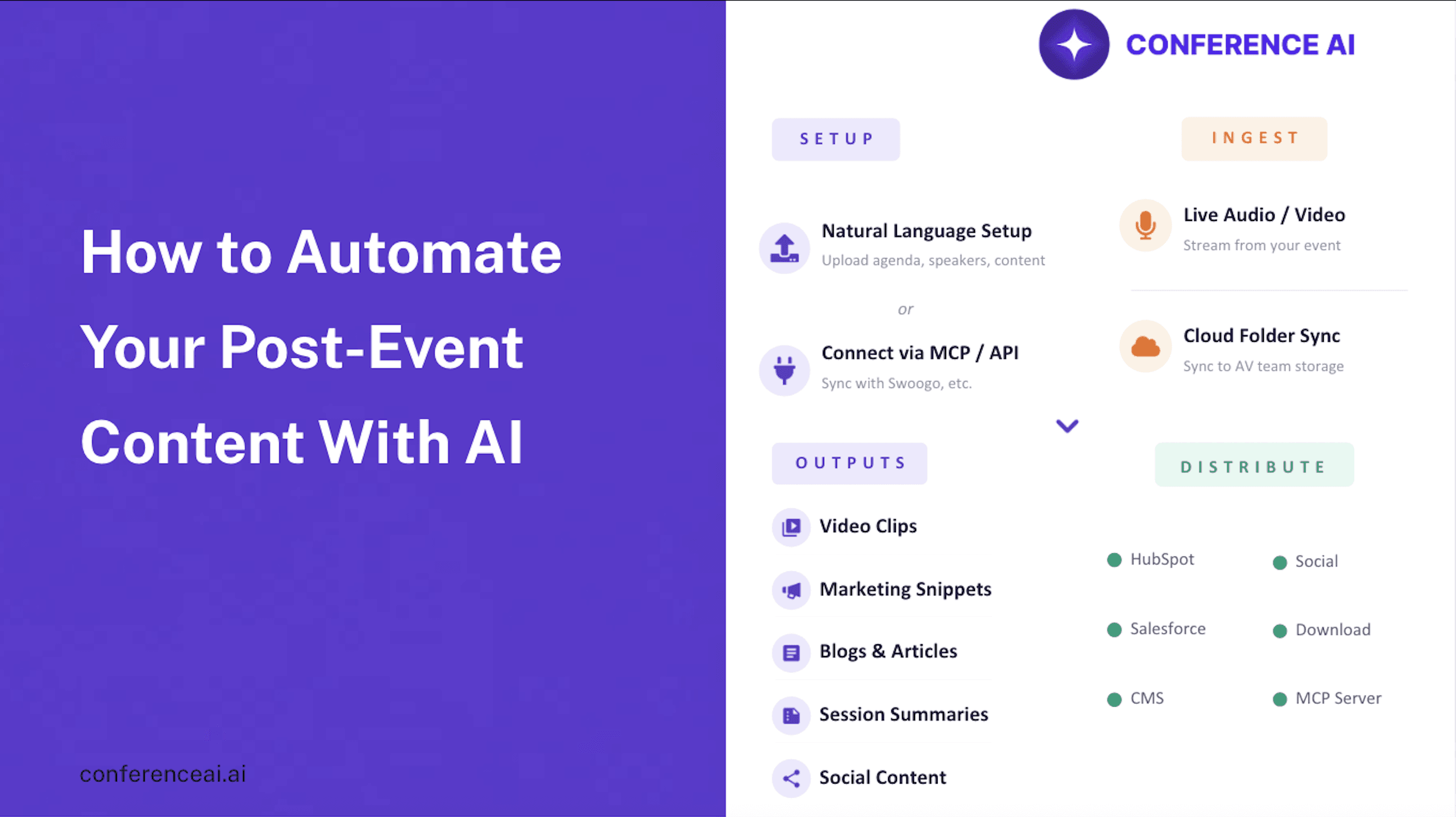
Before the event, decide how recordings will flow into the AI platform. Conference AI accepts content three ways:
RTMP live stream. Connect your A/V team's stream for real-time ingestion. Content starts processing while the event is still running. Assets can be ready for review within hours of a session ending.
Cloud folder sync. Point Conference AI at your Dropbox or Google Drive. When your A/V team drops recordings into the folder, the platform pulls them automatically.
Direct upload. Upload MP4, MP3, or WAV files manually. Works for smaller events or processing an archive of past recordings.
The platform maps each recording to the correct session using your agenda data — speaker names, session titles, time slots, company affiliations.
Step 2 — Configure What You Want the AI to Produce
During the kickoff call, you work with your customer success manager to define output types. This happens once — the AI remembers your preferences for every future event.
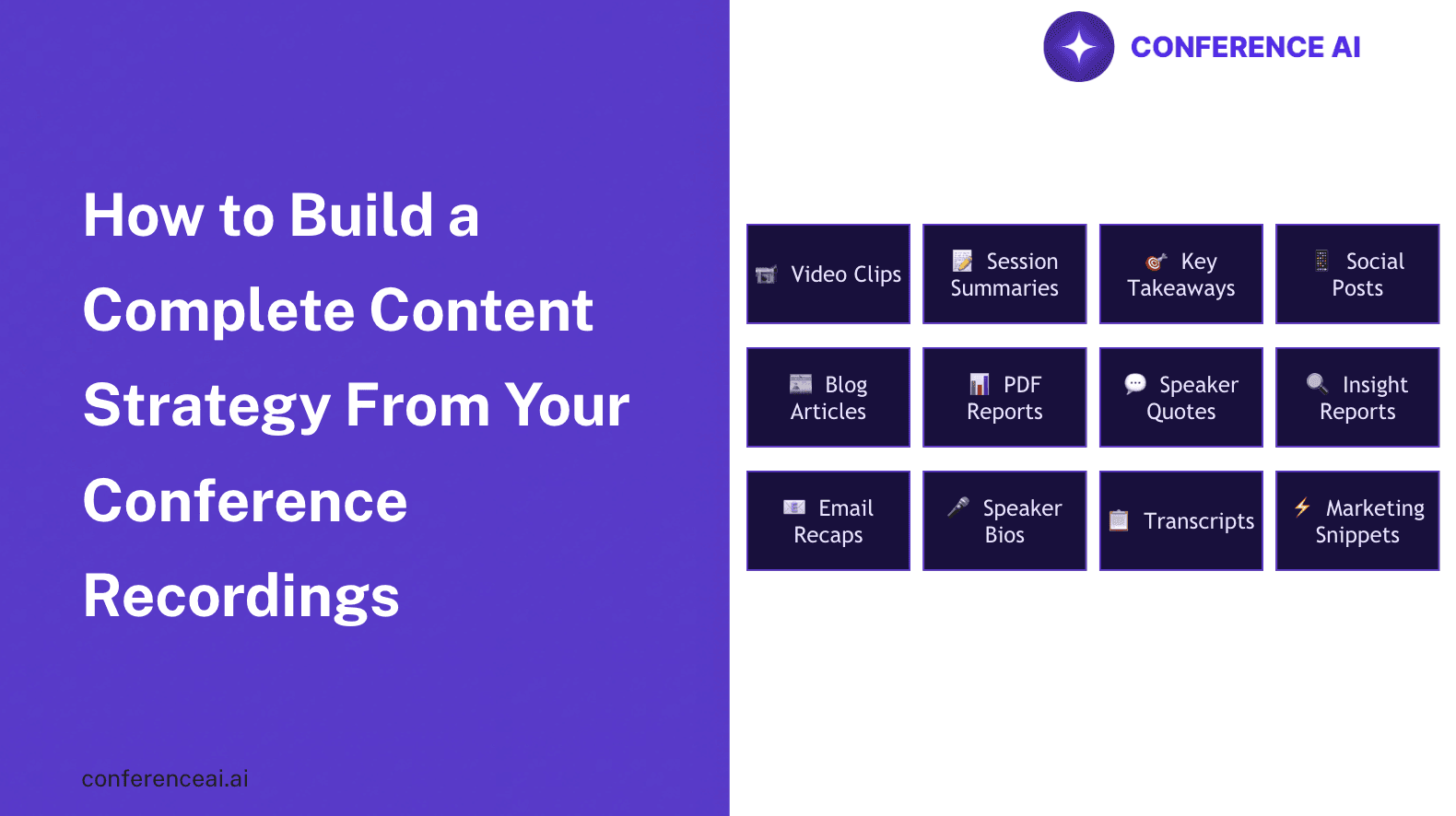
Options include blog posts in your brand voice, video clips (30-second or 60-second highlights), social media posts for LinkedIn and X, executive summaries, PDF reports, speaker quote cards, key takeaways, action items, Q&A analysis, sponsor mention reports, and cross-session trend analysis.
You also upload your brand voice, style guide, and terminology to Conference AI's knowledge base. Every piece of content the AI generates matches your organization's tone. Configure it once, and it applies to every output going forward.
Step 3 — Let the AI Process Your Event
Once recordings are connected, Conference AI processes everything. Transcription, speaker identification, key moment detection, content generation — all automatic. A 50-session conference processes in hours, not weeks.
Your team's role shifts from production to quality assurance. Instead of writing blog posts, editing video, and formatting reports, you're reviewing AI-generated assets and approving them for distribution.
Step 4 — Distribute Through Your Existing Stack
Finished content goes where it needs to go without manual export-and-upload cycles:
API delivery pushes content directly into Swoogo, Cvent, Swapcard, or any event app.
White-labeled portal gives attendees and members a branded content library with search, filtering, and on-demand playback.
Export downloads assets formatted for email campaigns, social media scheduling, and sales enablement.
The content production workflow goes from "6 weeks with a team of contractors" to "same week with one person reviewing output."
What Results Should You Expect?
Metric | Before AI | With Conference AI |
|---|---|---|
Time to first published content | 2–4 weeks | Same day |
Content types per session | 3–5 | 20+ |
Annual production cost | $30,000–$60,000+ | $6,000 (Pro plan) |
Team hours per event on content | 80–200 hours | 10–15 hours |
Content in your brand voice | Inconsistent | Every piece |
Conference AI clients report 91% reduction in content production time, 73% increase in post-event engagement, and an average of $113,000 saved in annual production costs.
Tools That Make This Easier
Conference AI handles the entire post-event content workflow — ingestion, processing, generation, and distribution — in a single AI-native platform. You talk to it in natural language, it builds the content. Flat-rate pricing: $199/mo (Starter) or $499/mo (Pro, unlimited). No per-session fees.
Your A/V team provides the recordings via RTMP or cloud folder. That's the only dependency.
Your existing event platform receives finished content via API. No new tools for your attendees or members to learn.
→ See it in action: conferenceai.ai/bookademo
Key Takeaways
AI doesn't assist with post-event content — it produces it. The shift isn't "AI helps your team work faster." It's "AI does the production work and your team reviews the output."
Connect before the event, not after. RTMP integration and cloud folder sync mean content can be ready the same day a session happens.
The economics are decisive. $499/mo for unlimited processing versus $30,000–$60,000 in contractors per event. The ROI is immediate.
→ Book a demo: conferenceai.ai/bookademo → Learn more: conferenceai.ai